












Certified Dynamics 365 for Food & Beverage Services in Dallas, TX
Dallas, TX organizations running manual processes, disconnected spreadsheets, and legacy tools are losing time and money every week. Dynamics 365 for Food & Beverage in Dallas, TX gives your team the Microsoft-backed tools to unify finance and operations, automate repetitive tasks, and turn raw data into actionable reports. Alphavima is a certified Microsoft Solutions Partner delivering Dynamics 365 for Food & Beverage projects for mid-market companies and enterprises across Canada, the United States, United Kingdom, Australia, and now the Middle East and Africa. With over 20 years of Microsoft platform experience, we configure Dynamics 365 Business Central finance, operations, and reporting around how your Dallas, TX team actually works.Proven Results for Dallas, TX Companies
Join hundreds of organizations operating on Microsoft Dynamics 365 Business Central.


Common Workflow Challenges For Dallas, TX Businesses
Most Dallas, TX businesses share the same set of technology gaps before they move to Microsoft Dynamics 365 Business Central.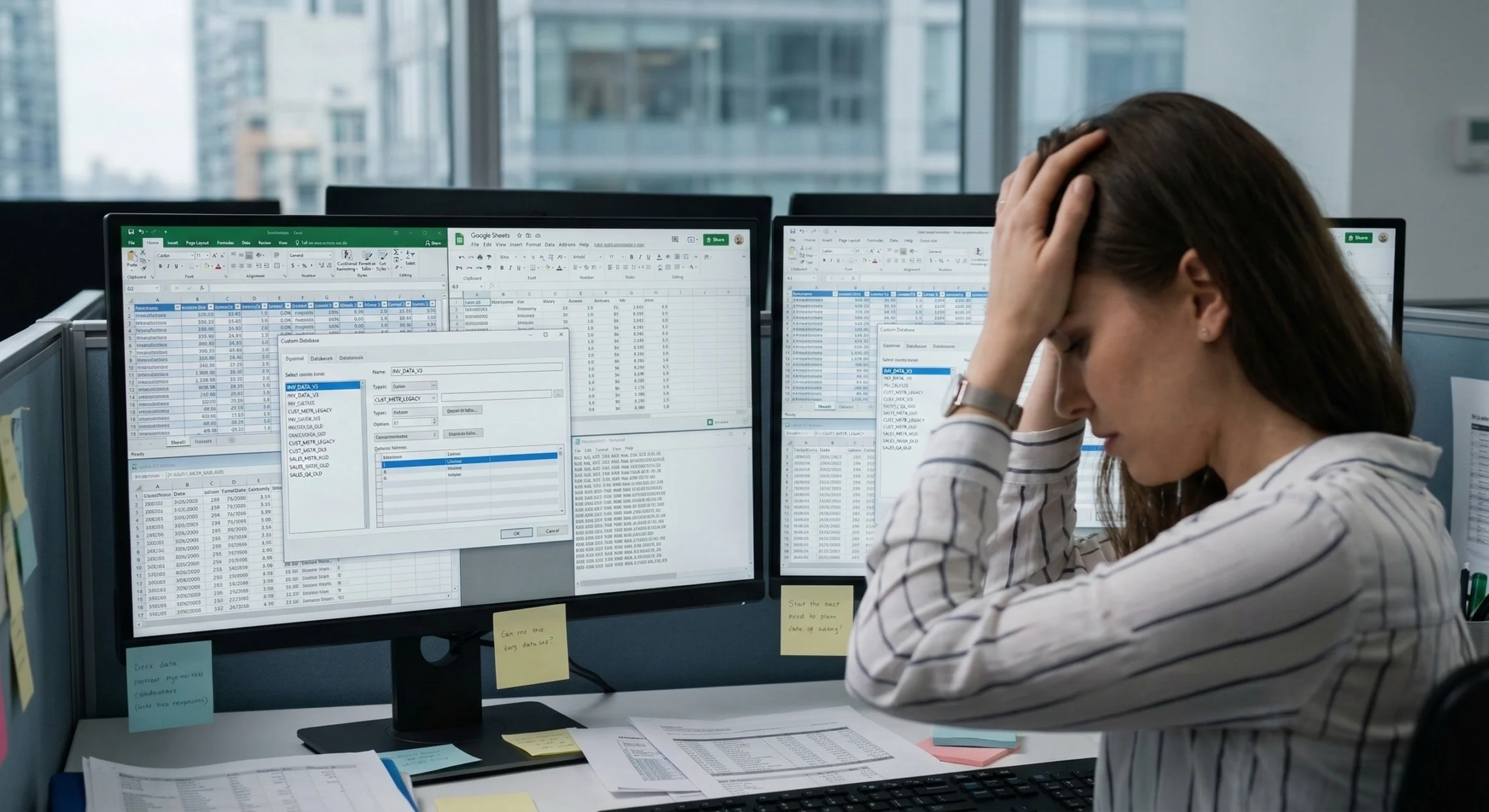
Siloed Systems
Dallas, TX teams frequently manage approvals in email, track inventory in spreadsheets, and store customer data in a separate CRM. When systems cannot communicate, staff lose visibility into what is happening across departments. Business Central connects these systems through Microsoft Dataverse, giving your Dallas, TX team one source of truth.
Repetitive Admin Work
Dallas, TX teams spend hours each week on tasks that should take minutes: chasing approvals, re-entering data, formatting reports, and sending follow-up emails. Business Central automation handles these tasks in the background, with conditional logic, notifications, and audit trails built in.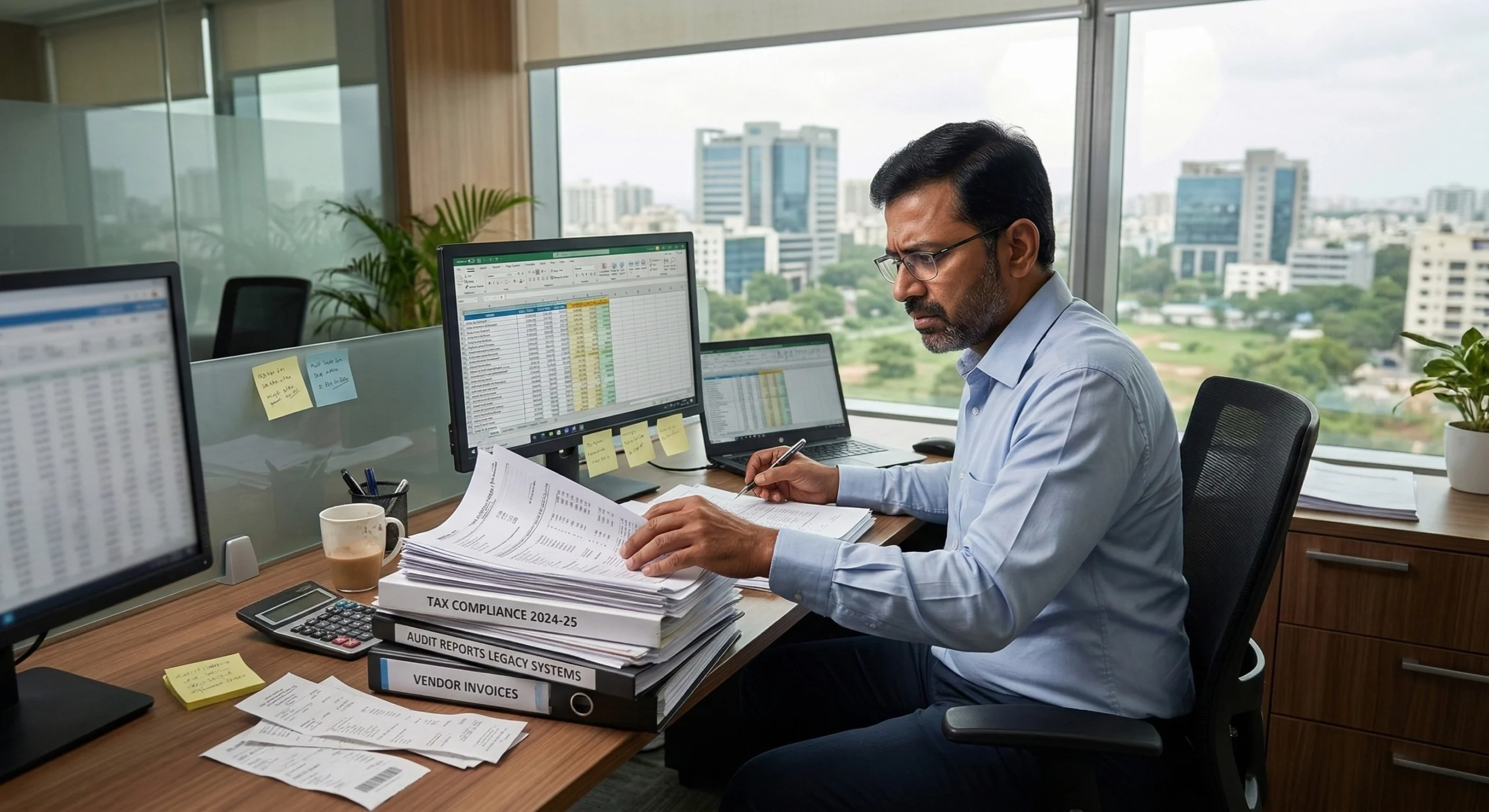
Outdated Reports
If your Dallas, TX team waits until month-end to see performance numbers, you are making decisions on stale data. Dynamics 365 for Food & Beverage puts real-time dashboards in front of Dallas, TX decision-makers, so they act on current numbers, not last month’s spreadsheet.How Alphavima Helps Dallas, TX Businesses
Our Dallas, TX Dynamics 365 for Food & Beverage engagements follow a proven delivery methodology. We start by understanding your business. Then we design, build, and deploy a Business Central solution that fits your operations. Your team gets hands-on training before launch, and our support continues well beyond go-live.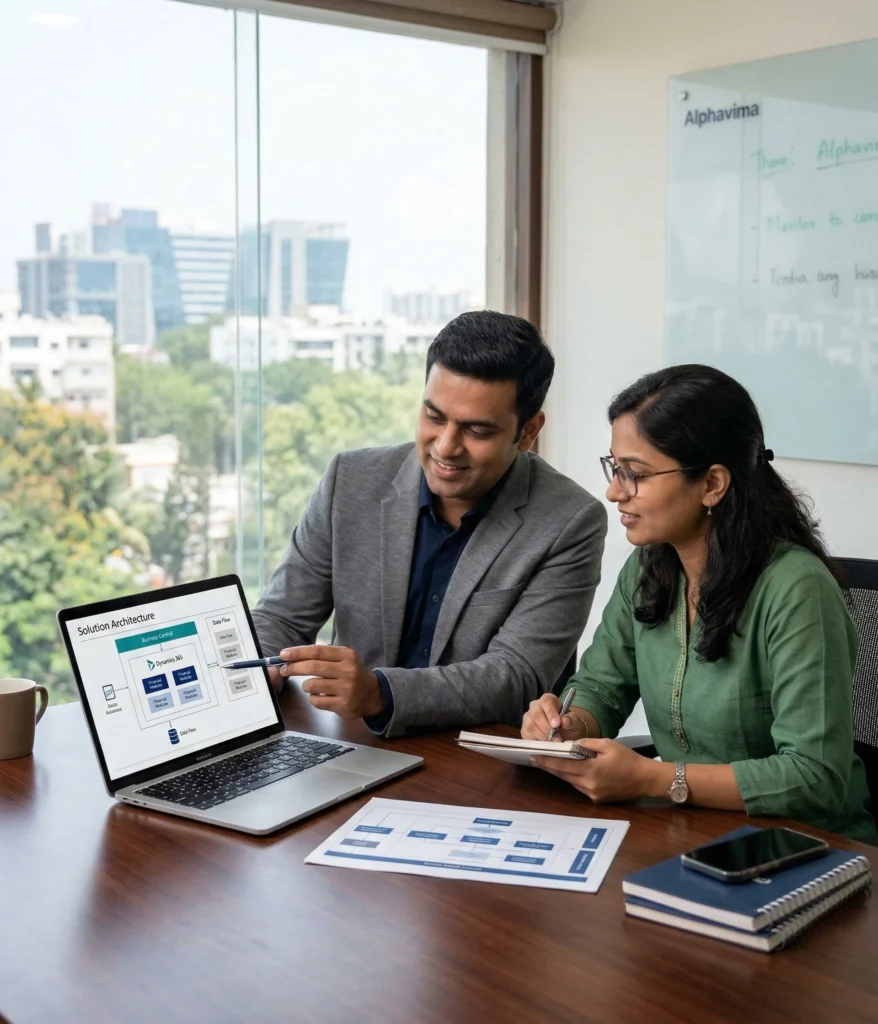
Full-Suite Business Central Solutions for Dallas, TX
Build apps, automate workflows, and get real-time reporting on one Microsoft platform, configured for Dallas, TX businesses of all sizes.
Finance and Accounting:
Manage accounts payable, receivable, bank reconciliation, and multi-currency finance from a single dashboard. Close your books faster and produce clean audit trails.
Inventory and Warehouse
Track stock levels, manage purchase orders, and automate replenishment. Business Central gives Dallas, TX businesses real-time inventory visibility across multiple locations.
Manufacturing and Production
Run production orders, manage bills of materials, and track work-in-progress. Alphavima configures Business Central Premium for Dallas, TX businesses who need real-time manufacturing insights.
Sales and Customer Management
Connect your sales pipeline to inventory and finance. Your Dallas, TX reps see real-time availability and margins – no more calling the warehouse.
Project Management
Track project budgets, time, and resources inside Business Central. Dallas, TX professional services firms use this module to manage client billing and profitability.
Microsoft Copilot and AI
Business Central includes Microsoft Copilot for predictive cash management, smart invoice matching, and AI-assisted reporting. Your Dallas, TX staff spend less time on repetitive data work and more time on decisions.Why Dallas, TX Organizations Choose Alphavima for Dynamics 365 for Food & Beverage
Alphavima has been supporting Dynamics 365 for Food & Beverage projects for Dallas, TX businesses for over 20 years. We are not a generic technology consultancy. We are a Microsoft Solutions Partner focused entirely on the Microsoft business applications stack, with documented results in the Dallas, TX market.
20+ Years Experience
20+ years of hands-on Microsoft project delivery, from Business Central to full ERP implementations.
Microsoft Certified
Official Microsoft ISV and Solutions Partner, backed by proven platform competency.
Prebuilt Solutions
Industry-specific accelerators for faster Business Central adoption.
International Reach
Projects delivered in Canada, USA, UK, Europe, UAE, Middle East & Africa, and Australia, with offices in Mississauga, Dubai, and multiple global locations.Proven Results for Dallas, TX Businesses
35%
Reduction in manual work for Dallas, TX businesses using Business Central automation to handle approvals, data entry, and notifications.55%
Shorter project timelines for Dallas, TX businesses that use Alphavima’s pre-built components and templates.99%
Microsoft Azure uptime SLA for Business Central cloud services, giving Dallas, TX businesses reliable, always-on access to their apps, flows, and dashboards.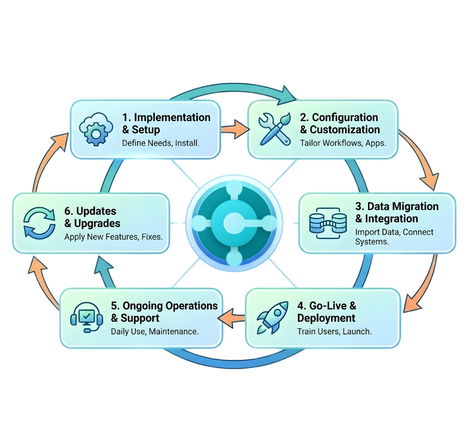
Measurable Results for Dallas, TX Organizations
Moving Off Dynamics GP or NAV in Dallas, TX?
Microsoft has set firm end dates for its legacy ERPs. Dallas, TX organizations still on Dynamics GP or NAV should plan a move to Dynamics 365 Business Central now - while there is runway, partner availability, and budget certainty.
Dynamics GP (Great Plains)
- New license sales end April 1, 2026
- Support & tax/regulatory updates end September 30, 2029
- Security updates end April 30, 2031
Dynamics NAV (Navision)
- NAV 2018 mainstream support ended January 2023
- NAV 2018 security support ends January 11, 2028
- Earlier NAV versions are already unsupported
Business Central is Microsoft’s named successor to GP and NAV. Alphavima runs GP/NAV-to-Business Central migrations for Dallas, TX businesses - data migration, process re-mapping, and go-live with minimal downtime. Start in 2026-2027 for a smooth move; waiting until 2028-2029 means a rushed, costlier migration with fewer partners available.
Plan Your GP/NAV MigrationDynamics 365 for Food & Beverage Near Dallas, TX
Alphavima delivers Microsoft Dynamics 365 Business Central implementations, upgrades, migrations, and support for businesses across Canada, the United States, the UK, Australia, the Middle East, and India. Looking for a partner near Dallas, TX? We also serve businesses in the cities below.