








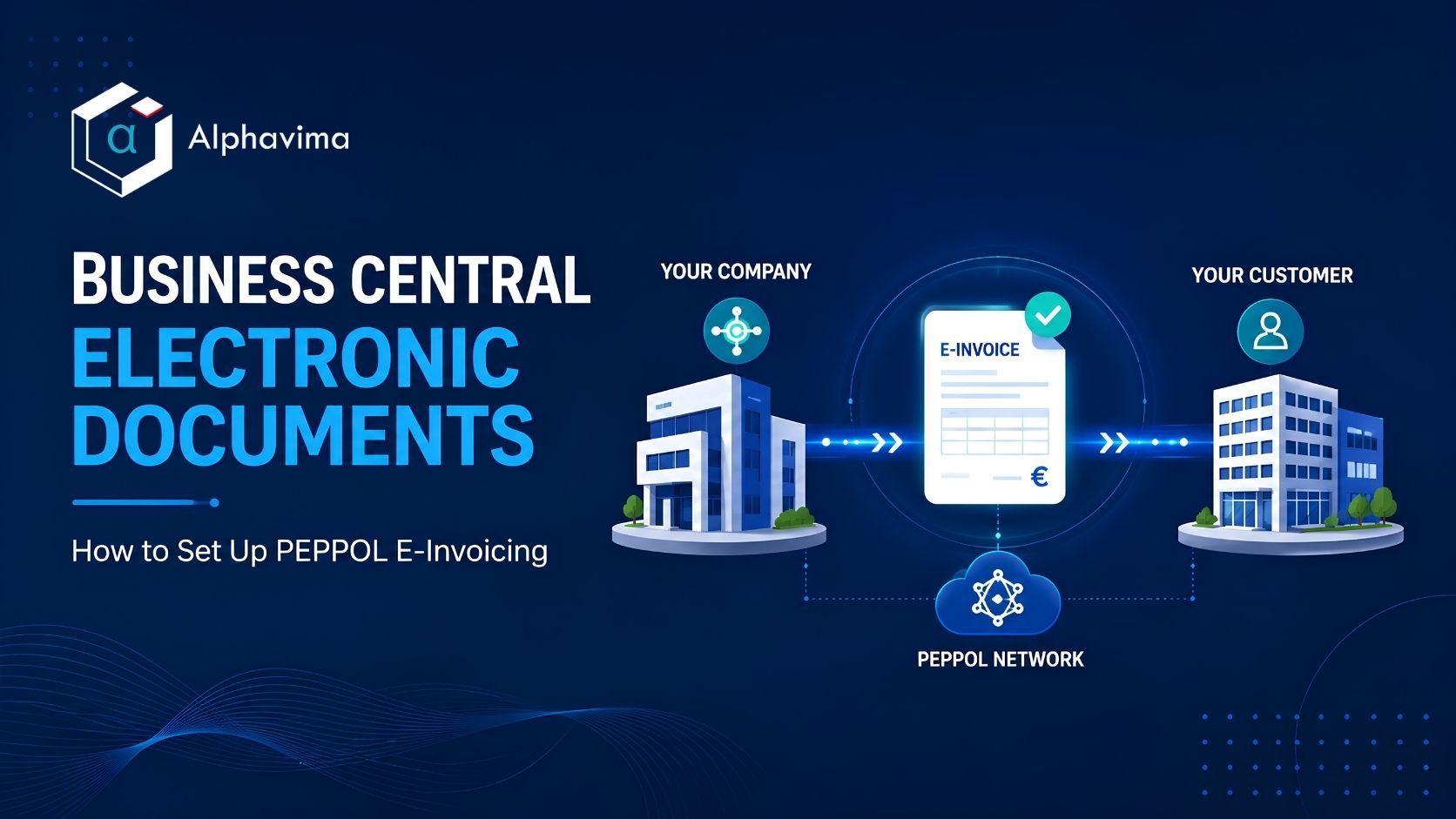
Business Central electronic documents let you send and receive structured invoices without rekeying data or mailing PDFs. Instead of a flat file that someone has to read and type back in, the system exchanges machine-readable documents in the PEPPOL format. Major document-exchange providers support that format, so your invoice can move from your system straight into a customer’s system.
This guide walks through what the feature does and how to configure it. We cover the setup steps, the supported providers, and how sending and receiving actually work. By the end, you should know what to turn on, what to check, and where Alphavima can help if you need to meet a local mandate.
What Business Central Electronic Documents Actually Do
At its core, the feature handles two jobs. First, it sends electronic invoices and credit memos in the PEPPOL format. Second, it receives a vendor’s e-invoice and helps you turn it into a purchase invoice or a journal line. Because the format is standardized, the receiving system can read every field correctly the first time.
Why does this matter now? Many governments now require structured e-invoicing. The EU’s e-invoicing direction and several country mandates point the same way, and more rules arrive each year. Setting up e-documents early helps with compliance, and it also cuts manual data entry and the errors that come with it. So even where a mandate has not landed yet, the move pays off in cleaner data.
It helps to keep two terms separate. A PDF is a picture of an invoice. A PEPPOL e-document is the structured data behind it. BC electronic invoicing works with the structured version, which is what makes automation possible on both ends.
Supported Service Providers and What to Check
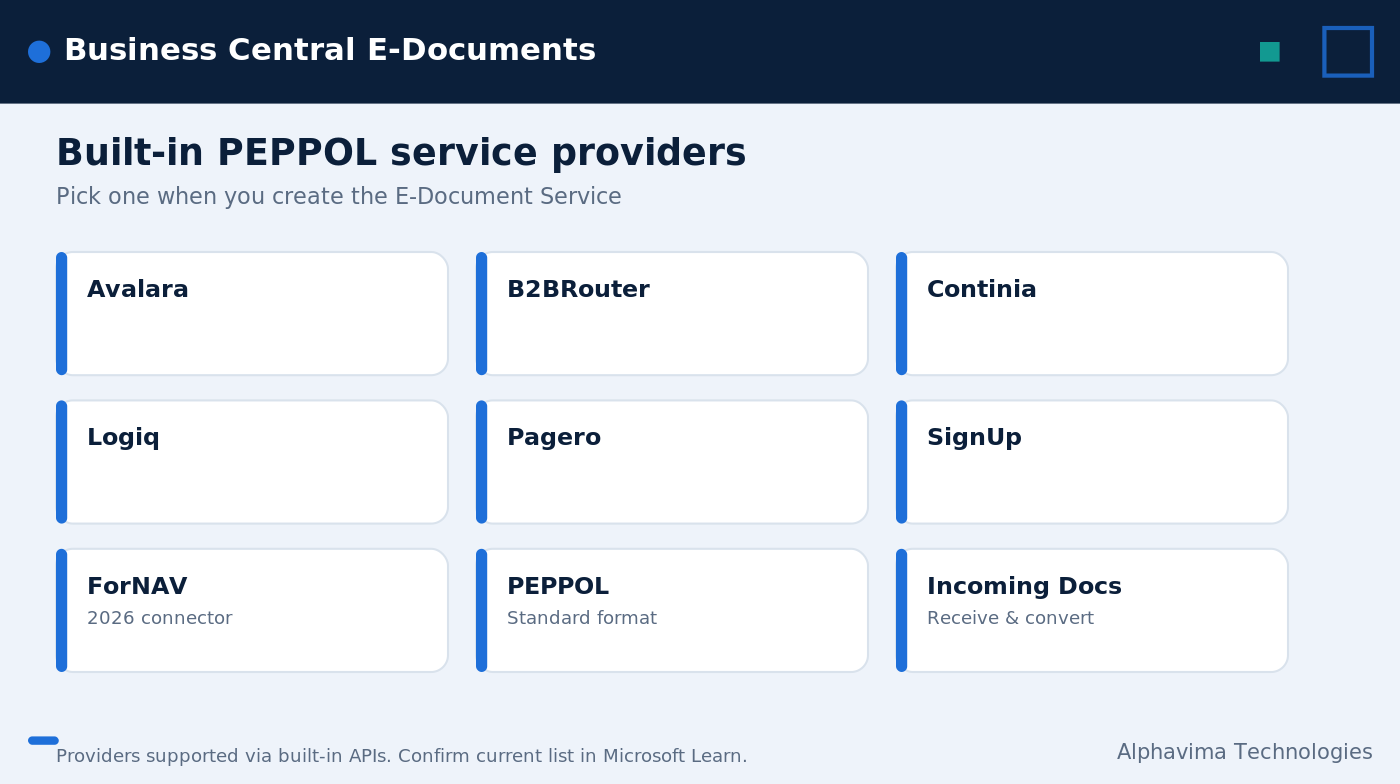
Built-in PEPPOL support uses APIs from a set of service providers. You pick one provider, connect it through an E-Document Service, and your documents route through it. You can also choose the ForNAV connector for electronic invoicing.
Here is the list, plus what to weigh when you choose. Keep the provider names exactly as shown when you configure the service.
When you compare providers, the questions are practical. Does the provider cover the countries you invoice in? Does it support the document types you send and receive? What does onboarding and ongoing pricing look like? And does it fit the tools your finance team already uses? Answer those, and the choice gets a lot clearer.
| Service provider | What to check when choosing |
|---|---|
| Avalara | Coverage for your country mandates and tax content needs |
| B2BRouter | Regional PEPPOL access points and onboarding support |
| Continia | Fit with existing Continia document workflows you run |
| Logiq | Network reach and the document types you exchange |
| Pagero | Global coverage and trading-partner reach |
| SignUp | Local market support and compliance scope |
| ForNAV connector | Added in 2026 release wave 1 as a Peppol connector option |
How to Set Up E-Documents in Business Central: Step by Step
The setup is a sequence, and each step builds on the last. Follow it in order, and you avoid most of the snags. For the full reference, Microsoft documents the process in its guide to setting up e-documents.
- Turn on the E-Document feature. Start in the E-Documents setup. This is where the rest of the configuration lives.
- Create an E-Document Service. Add a service for communications, select the PEPPOL format, and pick your provider. The PEPPOL format is preconfigured for sending invoices and credit memos, so you do not build it from scratch.
- Set up document sending profiles. Tell Business Central to send through the Electronic Document option rather than print or email alone.
- Configure customers and vendors. Mark the trading partners that should receive and send e-documents, and add the identifiers each one needs.
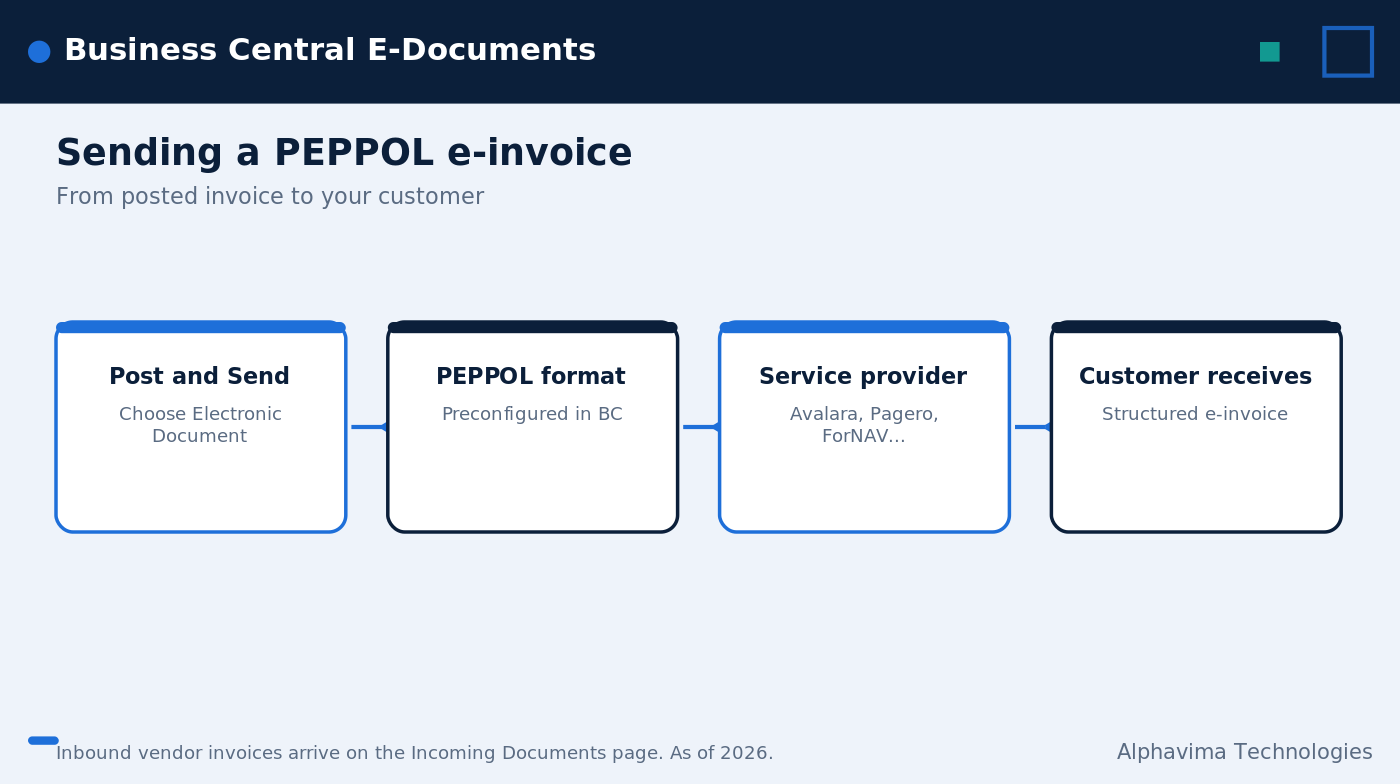
- Send a test invoice. On a sales invoice, use Post and Send, choose the Electronic Document option, then select PEPPOL in the Format field. The document goes out through your configured provider.
- Test receiving. Have a vendor e-invoice arrive, then open the Incoming Documents page and convert it into a purchase invoice or a general journal line.
- Monitor and handle exceptions. Watch for rejected or stuck documents and resolve them so nothing slips through.
Microsoft also keeps a step-by-step guide to sending and receiving electronic documents that mirrors this flow with screenshots.
Sending an E-Invoice
Sending is the simpler half. Once a customer is configured, you post the sales invoice as usual. Then you use Post and Send, pick the Electronic Document option, and choose PEPPOL in the Format field. From there, the document routes through your provider to the customer. There is no separate export file to manage.
Receiving an E-Invoice
Receiving takes one extra step because you have to decide what the document becomes. When a vendor’s electronic invoice arrives, it lands on the Incoming Documents page. There you review it and convert it into either a purchase invoice or a general journal line. The structured data carries across, so you are checking values rather than typing them.
What 2026 Release Wave 1 Added
Two updates are worth flagging. First, a purchase draft page now lets you preview Peppol electronic invoices before you convert them, which gives you a clean review step. Second, the release adds support for the ForNAV Peppol connector, widening your provider options. Both arrived in 2026 release wave 1, so confirm they are live on your environment before you plan around them.

A Setup-Requirements Checklist
Before you go live, run through a short list. It saves rework later.
- Confirm the E-Document feature is turned on in your environment.
- Choose one provider from the supported list and confirm it covers your countries.
- Verify the E-Document Service uses the PEPPOL format.
- Set up document sending profiles for the right customers.
- Add the correct PEPPOL identifiers to customers and vendors.
- Run one test send and one test receive from start to finish.
- Decide who monitors exceptions and how often.
If you are also rethinking how you bill customers, it pairs well with a review of your subscription billing setup, since both touch the same sales-document flow.
Need help with e-invoicing in Business Central?
Alphavima sets up PEPPOL e-documents and keeps you compliant with current mandates.
Conclusion
Business Central electronic documents give you a clean way to send and receive PEPPOL e-invoices, cut manual entry, and stay ahead of compliance mandates. The setup is a short sequence: turn on the feature, create an E-Document Service, pick a provider, configure your trading partners, then test sending and receiving. Keep in mind that exact steps and providers can change between releases, so confirm the latest details in Microsoft Learn.
If you would rather not work through the configuration alone, Alphavima can help you set up e-documents, choose the right provider, and meet your local mandates. Want to plan a rollout or compare options? Talk to our ERP consulting team, and if budget is part of the conversation, our Business Central pricing guide is a good place to start.
FAQs
Do I need a third-party provider for Business Central electronic documents?
Yes, in practice you do. Built-in PEPPOL support uses APIs from supported providers, so you connect one of them through an E-Document Service. The format is preconfigured, but the provider handles the actual network delivery.
Which providers does Business Central support out of the box?
The supported list includes Avalara, B2BRouter, Continia, Logiq, Pagero, and SignUp. You can also choose the ForNAV connector for electronic invoicing, which was added in 2026 release wave 1.
What format do electronic invoices in Dynamics 365 use?
They use the PEPPOL format. Business Central sends invoices and credit memos in PEPPOL, and that format is preconfigured for those document types, so you do not have to define it manually.
How do I send my first e-invoice?
On a sales invoice, use Post and Send, choose the Electronic Document option, and select PEPPOL in the Format field. The document then goes out through the provider you configured.
How does receiving work?
A vendor’s e-invoice arrives and shows up on the Incoming Documents page. From there you convert it into a purchase invoice or a general journal line. The 2026 release also added a purchase draft page so you can preview Peppol invoices first.
Will e-documents help with compliance mandates?
They can. Many governments now require structured e-invoicing, including the EU’s e-invoicing direction and several country mandates. Because exact rules and steps change between releases, confirm the current requirements in Microsoft’s electronic invoicing FAQ.
Can I connect e-documents to other automated workflows?
Yes. Once documents flow through the service, you can extend them with automation. If that is your goal, our note on Business Central and Power Automate API integration shows how the pieces connect.


