











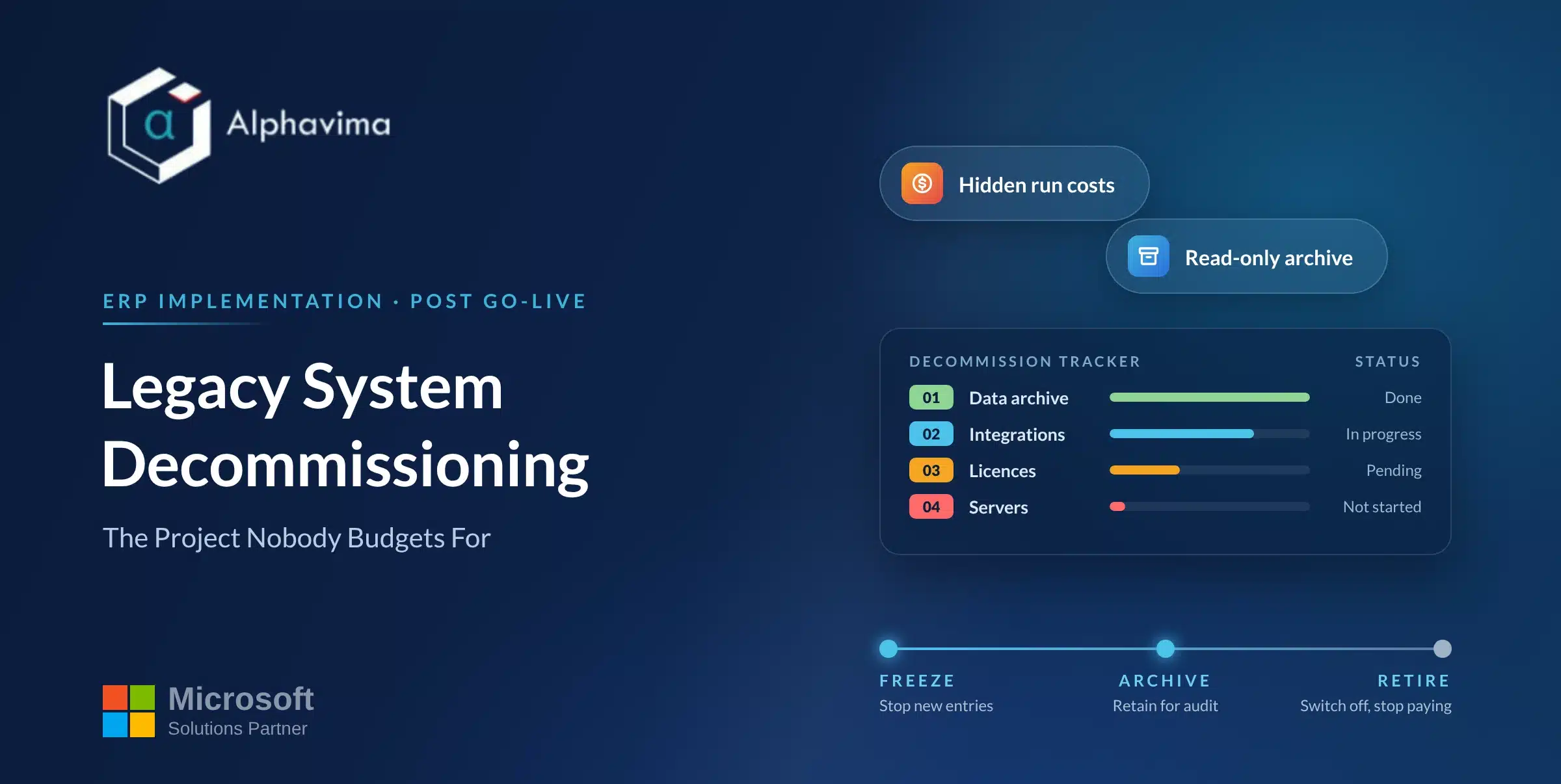
You went live eight months ago. The project team disbanded, the budget closed, and the old system is still there, still licensed, still on the network, and increasingly nobody can remember the administrator password. Three people log into it a month, always to look something up, never to do anything.
Legacy system decommissioning is the step almost every implementation plan mentions in one line and almost nobody funds. It is not difficult work. It is work with no deadline, no sponsor after go-live, and a small but real chance of destroying evidence you are legally required to keep.
That combination produces indefinite postponement.
This article covers how long to keep the old system available, what actually sets that timeline, the difference between keeping an application alive and keeping an archive, and what the thing costs you while you delay.
Table of contents
Decommissioning is a project, not a task
Treat it as a work package with its own owner, budget line and completion date, agreed before go-live while the project still exists. Afterwards the only person with a reason to push it is whoever pays the licence, and that person rarely has authority to approve deleting a finance system.
The work package has five deliverables: a parallel running exit decision, a signed retention determination, an archive tested by retrieval, a decommissioning runbook, and a certificate of destruction or a documented handover of the hardware. Anything short of that and you have not decommissioned the system, you have stopped looking at it.
Parallel running: how long, and what it really costs
Two quite different things get called parallel running, and conflating them causes most of the arguments.
True parallel running is dual entry: the same transactions processed in both systems so the outputs can be compared. It is useful for one payroll cycle and one period close, and almost never useful beyond that.
It costs roughly double the data entry effort plus reconciliation time, and its benefit decays sharply after the first comparison.
Read availability is the old system left running so people can look things up. This is what most organisations actually need, and it costs a fraction as much. It does not require the system to remain writable, and making it read-only removes an entire category of risk.
Our practitioner default is true parallel running for one payroll run and one full period close, then read-only availability, then archive. Avoid leaving the old system writable “just in case”: a transaction posted to a retired system after cutover is a reconciliation problem nobody will find for months.
Our ERP cutover plan guide covers where the parallel window sits in the sequence.
| Phase | Old system state | Typical duration | What it is for |
|---|---|---|---|
| Cutover weekend | Frozen, read-only | 48 to 72 hours | Final extract, opening balance validation |
| True parallel | Read-only plus deliberate dual entry | 1 payroll run, 1 period close | Comparing outputs, proving the new system |
| Read availability | Read-only, restricted users | 3 to 12 months | Queries, audit support, spot checks |
| Archive only | Application off, data in an archive | Set by retention rules | Statutory and contractual obligations |
| Decommissioned | Gone, media sanitised, certificate held | Permanent | Nothing |
What actually sets the timeline: retention obligations
Retention is where opinions stop and sources start. Periods vary considerably by jurisdiction, record type and industry. The table below points at the relevant regulator rather than giving advice for your situation. Confirm every line against your own jurisdiction, your sector regulator and your auditor before setting a destruction date.
| Jurisdiction and body | Records | Published position |
|---|---|---|
| United States, IRS | Income tax records generally | 3 years, the general period of limitations |
| United States, IRS | Unreported income exceeding 25 percent of gross income shown | 6 years |
| United States, IRS | Claims for worthless securities or a bad debt deduction | 7 years |
| United States, IRS | Employment tax records | At least 4 years after the tax is due or paid, whichever is later |
| United States, IRS | No return filed, or a fraudulent return filed | No limitation period. Keep indefinitely |
| United States, SEC | Audit and review records held by the accountant, under Rule 2-06 of Regulation S-X | 7 years after the audit or review concludes |
| United Kingdom, GOV.UK | Limited company records | 6 years from the end of the last company financial year they relate to, longer in defined cases |
| Canada, CRA | Books and records generally | 6 years from the end of the last tax year, unless the CRA permits earlier destruction |
| Canada, CRA | Property acquisitions and disposals, share registry, records affecting a wind-up | Indefinitely |
| UK GDPR, ICO | Personal data | No fixed period. No longer than necessary for the stated purpose |
Three things follow.
The longest applicable period wins, not the average. One system typically holds records governed by several of these at once. Your general ledger, your payroll and your customer contact data each have a different clock.
Some clocks never stop. The IRS guidance on how long to keep records is explicit that where no return or a fraudulent return was filed there is no limitation period at all. The CRA guidance on keeping records requires some records indefinitely, and expects you to request permission before destroying records early, which is a step organisations tend to discover afterwards.
Personal data pulls the other way. The ICO’s guidance on storage limitation states that the UK GDPR sets no specific time limits, and that personal data should be kept in a form permitting identification for no longer than is necessary for the purposes processed.
Keeping a legacy CRM alive forever because it is easier than deciding is not neutral. It is a retention decision you have to be able to justify.
The UK position also differs by obligation. GOV.UK states 6 years from the end of the last company financial year, extended where a transaction spans more than one accounting period, where an asset is expected to last over 6 years, where the Company Tax Return was late, or where HMRC has opened a compliance check.
The Companies Act 2006 sets a separate minimum for preserving accounting records, shorter for a private company than a public one. Your auditor will tell you which governs you. We will not, and neither will a summary blog post.
The output of this section is a one-page retention determination listing each data domain, the applicable obligation, the earliest lawful destruction date and the name of whoever signed it. Produce it before go-live, while the people who understand the old system are still on the project.
Keeping the application alive is not the same as keeping the data
This distinction decides the cost of the whole exercise, and it is routinely missed. Keeping the application alive means a running server, operating system, database engine, licences, integrations, identity management, backups and someone responsible for patching it.
Keeping the data means retaining the records in a form you can retrieve and read, without the original software.
Almost every retention obligation is satisfied by the second. Very few require the first.
The question that resolves it: what do you need the old system to do? If the answer is “answer questions about historical transactions”, you need an archive. If the answer is “process something”, you have a scope gap in the new system, and you should fix that as a scope item rather than keep a second ERP running for three years.
| Option | Annual cost profile | Retrieval experience | Suits |
|---|---|---|---|
| Application running, read-only | Highest: licences, hosting, patching, backup, admin | Familiar, full function | Short read-availability window only |
| Database preserved, application removed | Moderate: storage and a query tool | Needs someone who can write SQL | Occasional deep technical queries |
| Structured extract to a warehouse or lakehouse | Moderate, falling after build | Good, joins to new system data | Organisations already running analytics |
| Flat file extract with documented schema | Low: storage only | Poor without tooling, but complete | Long tail retention, rare access |
| Rendered documents (PDF/A invoices, payslips) | Low | Excellent for documents, useless for analysis | Statutory document retention |
| Purpose-built archive product | Subscription, no infrastructure | Good, retention controls built in | Regulated sectors, large volumes |
Most organisations end up with a combination: rendered documents for anything a regulator or customer might ask to see, a structured extract for anything they might analyse, and nothing else. What matters is that the choice is deliberate.
Then test it by retrieval before you switch anything off. Pick ten real questions the business asked last year and answer all ten from the archive alone, with the old system already unavailable.
An archive nobody has read from is an assumption. Our ERP data migration strategy guide covers the reconciliation controls behind a complete extract.
Recovering the licence and hosting cost
The financial case is usually strong and almost never written down, which is why it loses to every other priority.
Build the list: perpetual licence maintenance or annual support on the legacy ERP, database licences (frequently the largest single line), operating system support including extended support past normal end of life, hosting or data centre costs, backup capacity and software, third-party bolt-ons such as the reporting tool and the EDI translator, disaster recovery capacity protecting a system nobody uses, and support contracts with a specialist who knows the old system.
Then add what never appears on an invoice: administrator hours spent patching it, the audit effort of scoping a second system in, the annual security review, and any risk premium your insurer attaches to unsupported software.
For a mid-market business the recurring total usually funds the entire decommissioning work package inside a year. Present it that way. A one-off cost with a defined payback is a much easier approval than a chore.
Still paying for a system nobody uses?
Alphavima will produce a decommissioning work package for your legacy system: retention determination, archive design, runbook and the recurring cost you stop paying. Send us the system name and your go-live date and we will scope it.
The security exposure of a system nobody is watching
This is the argument that usually gets the work funded.
An old ERP left running has a specific risk profile. It is unpatched, because the vendor may no longer issue patches and nobody owns it. It holds a complete copy of your historical financial and personal data.
Its accounts are stale, including accounts belonging to people who have left. Its logging is unmonitored, because the monitoring followed the users to the new system. And it is often still reachable, because removing it from the network was step eleven of a plan that stopped at step four.
The US Cybersecurity and Infrastructure Security Agency is direct about this. Its Bad Practices catalogue states that using unsupported or end-of-life software in service of critical infrastructure and national critical functions is dangerous and significantly raises risk, and is especially egregious in technologies accessible from the internet.
CISA has since gone further for one specific class of equipment. Binding Operational Directive 26-02, issued in February 2026, requires US federal civilian agencies to inventory and then remove end-of-support edge devices: firewalls, routers, switches, VPN gateways and load balancers.
That directive does not cover a retired finance system, and you are probably not a federal agency. The reasoning carries across even so, because an unpatched ERP holding a complete copy of your history is not a smaller problem than an unpatched router.
When you dispose of the storage, sanitise it rather than deleting files. The current guidance is NIST Special Publication 800-88 Revision 2, Guidelines for Media Sanitization, published September 2025 and superseding Revision 1 from 2014.
It defines three sanitisation actions, clear, purge and destroy. The point of using that vocabulary is that “we wiped the server” means nothing to an auditor, while “purged in accordance with SP 800-88r2” means something specific.
Keep the certificate with your retention determination.
Before then, reduce the exposure: make the system read-only, remove every account that does not need access, segment it with no inbound internet path, turn off unused integrations, and add it to your vulnerability scanning scope so its condition is at least visible.
A decommissioning runbook you can copy
| # | Step | Owner | Evidence |
|---|---|---|---|
| 1 | List every data domain in the legacy system | Data owner | Data domain inventory |
| 2 | Determine the retention obligation for each domain | Finance lead, with auditor and legal input | Signed retention determination |
| 3 | Decide the archive form for each domain | Data owner with IT lead | Archive design note |
| 4 | Exit true parallel running | Finance lead | Comparison sign-off |
| 5 | Set the legacy system to read-only | IT lead | Change record |
| 6 | Build and populate the archive | IT lead with partner | Extract report with control totals |
| 7 | Test the archive against ten real historical questions | Process owners | Retrieval test results |
| 8 | Agree and communicate the read-availability end date | Sponsor | Written notice to the business |
| 9 | Revoke all remaining user accounts | IT lead | Access removal log |
| 10 | Remove integrations, interfaces and scheduled jobs | IT lead | Decommission list |
| 11 | Take a final full backup and verify it restores | IT lead | Verified restore test |
| 12 | Shut down, keeping it recoverable for a quiet period | IT lead | Shutdown record, quiet period end date |
| 13 | Terminate licences, support contracts and hosting | Finance lead | Cancellation confirmations |
| 14 | Sanitise or destroy storage media | IT lead | Certificate of sanitisation |
| 15 | Close the work package, record where the archive lives | Sponsor | Closure note |
Step 12 matters more than it looks. Keep the shut-down system recoverable for one to three months and see whether anyone notices. Nobody usually does, and the silence is your evidence that step 14 is safe.
The date you can actually switch it off
Work it out in one line. Take the latest lawful destruction date from your retention determination, check whether an audit, an open enquiry, a litigation hold or a warranty extends it, and that is your archive retention date.
Take the end of your read-availability window, usually three to twelve months after go-live, and that is your application shutdown date. The two are different dates, and treating them as one is the reason decommissioning stalls.
Put both in the plan before go-live, give the work package an owner who will still hold the role a year later, and attach the recurring saving so somebody has a reason to chase it. The phases this sits at the end of are in our guide to ERP implementation phases.
Nothing here is legal, tax or accounting advice. Retention periods vary by jurisdiction, record type and sector, and they change. Confirm your own obligations with your auditor, your legal adviser and the relevant regulator before destroying anything.
Frequently asked questions
How long should we keep the legacy system after an ERP migration?
Separate the two dates. Keep the application available in read-only form for roughly three to twelve months after go-live, long enough to cover a full reporting cycle and any audit that falls in the window. Keep the data, in an archive, for as long as your retention obligations require, which is usually much longer. Confirm the retention side with your auditor, because the periods vary by jurisdiction and record type.
How long are we legally required to keep accounting records?
It depends entirely on where you are and what the record is. The IRS sets a general period of limitations of 3 years, with 6 years where more than 25 percent of gross income was omitted, 7 years for worthless securities and bad debt claims, and no limit at all where no return or a fraudulent return was filed. GOV.UK states 6 years from the end of the last company financial year for UK limited company records, extended in several defined circumstances. The CRA requires 6 years from the end of the last tax year, with some records kept indefinitely. Check your own position with your auditor and the relevant regulator.
What is the difference between archiving data and keeping the legacy system running?
Keeping the system running means maintaining a complete application: servers, licences, database, backups, identity, patching and an owner. Archiving means retaining the records in a retrievable, readable form without the original software. Almost every statutory retention obligation is satisfied by an archive. Very few require a running application, and the cost difference between the two is usually the strongest argument in the business case.
What is the security risk of leaving an old ERP switched on?
It holds a complete copy of your historical financial and personal data, it is frequently unpatched because nobody owns it, its user accounts are stale, its logs are unmonitored, and it is often still reachable on the network. CISA names the use of unsupported or end-of-life software as a bad practice that significantly raises risk, and notes that it is especially serious for anything reachable from the internet.
What counts as securely destroying legacy system data?
Deleting files or reformatting a disk does not. NIST Special Publication 800-88 Revision 2 sets out three categories of sanitisation action, clear, purge and destroy, with the appropriate method depending on the media type and the sensitivity of the data. Use that vocabulary in your records and obtain a certificate of sanitisation or destruction, because an auditor can assess a stated standard and cannot assess "we wiped it".
Do we need to run the old and new ERP in parallel?
True dual entry is worth doing for one payroll run and one full period close, so you can compare outputs while both are available. Beyond that the effort outweighs the benefit, because you are paying for double data entry by people who are already stretched. What most organisations actually need after that point is read availability, not parallel running, and read availability costs a fraction as much.
Who should own legacy system decommissioning?
Give it a named owner and a budget line before go-live, while the project still exists. It needs a finance lead for the retention determination, an IT lead for the technical steps, and a sponsor who can approve the shutdown date. After the project closes, the only person with an incentive to act is whoever pays the licence, and that person rarely has authority to approve retiring a finance system.