








Alphavima Technologies

July 6th, 2026

Microsoft Fabric Pricing in 2026: Capacity Units, SKUs, and Real Costs

Microsoft Fabric pricing looks simple on the surface and surprising once you map it to a real workload. Fabric bills on a single pool of compute, so one subscription covers data engineering, warehousing, real-time analytics, data science, and Power BI together. That single-meter model is the reason many teams either save a lot or get a billing shock – depending on how they size it.

This guide walks through how the billing actually works, the current SKU price list, the choice between reserved and pay-as-you-go, and how Fabric vs Synapse cost stacks up. Every figure here is approximate and current as of 2026, so treat it as a planning baseline rather than a quote. Prices move, and Microsoft updates them.
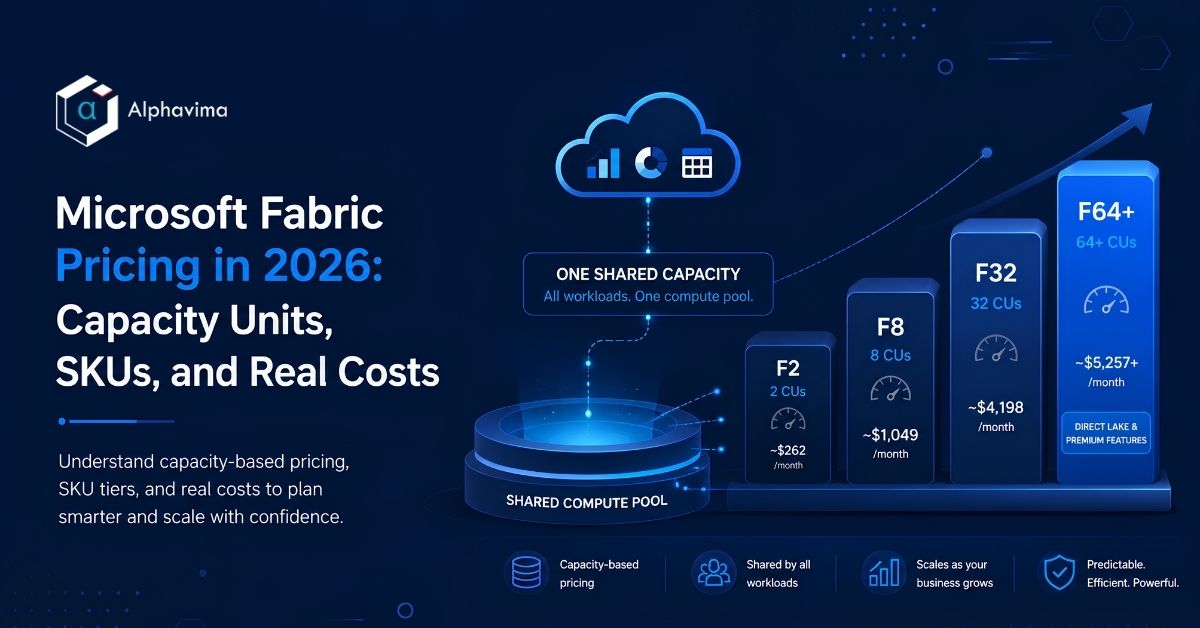
How Microsoft Fabric pricing works with shared capacity units

How Microsoft Fabric Billing Works

Fabric measures compute in Capacity Units (CUs). You buy a capacity, and every workload draws from that same pool. There is no separate line item for Power BI or for the data warehouse engine – it is one capacity-based subscription that all the engines share.

That design matters for two reasons. First, you do not pay per engine, so adding a new workload does not automatically add a new bill. Second, concurrency is shared, so several heavy jobs running at once compete for the same CUs. As a result, sizing is less about counting features and more about estimating peak load.

A few cost mechanics shape the monthly total:

  • Compute is the capacity SKU you choose (the F-series, measured in CUs).
  • OneLake storage is billed separately, per GB, on top of capacity.
  • Capacity smoothing and bursting spread spiky demand over time, which affects throughput rather than the headline price.

Because storage and compute are billed apart, two companies on the same SKU can still see different totals. To see how the lakehouse layer fits the broader picture, our overview of the Microsoft Fabric lakehouse architecture breaks down where data actually lives.

The Microsoft Fabric Capacity SKU Price List

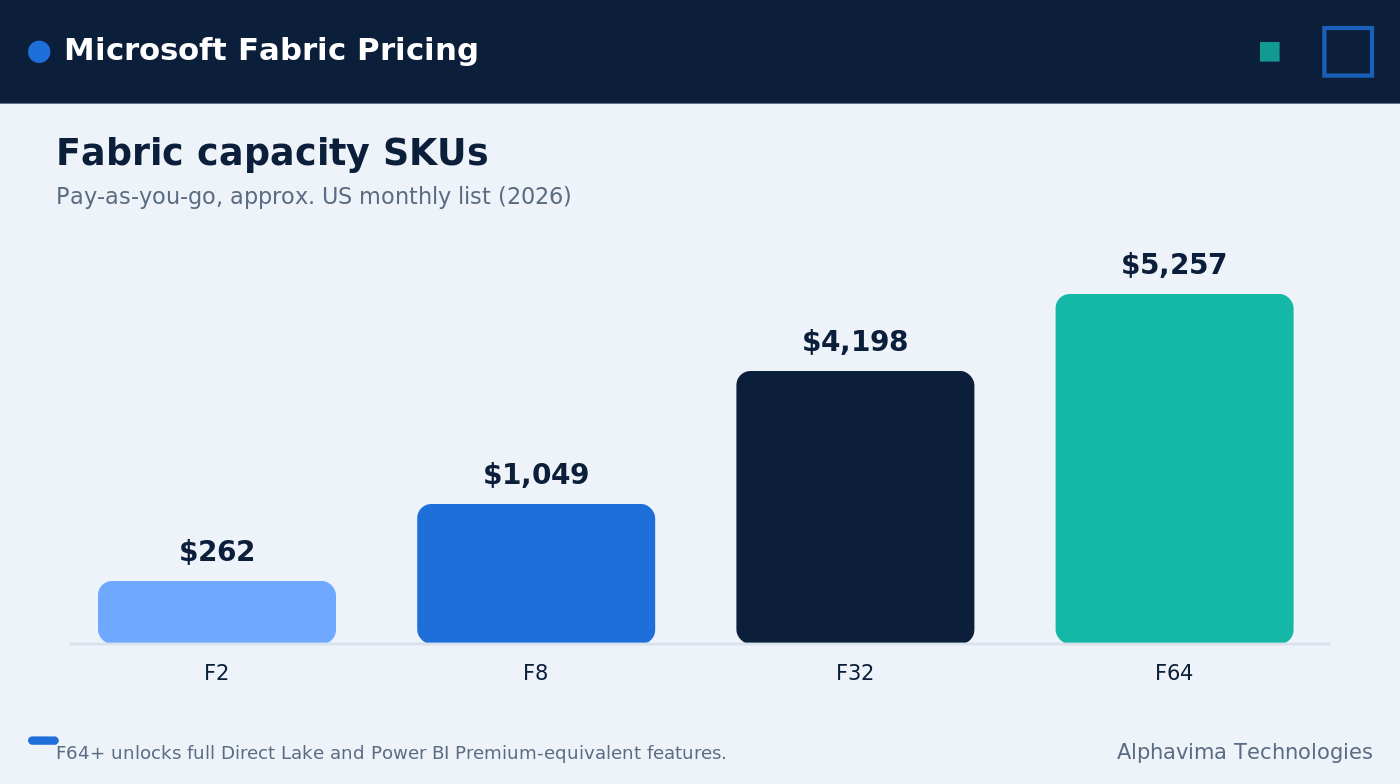
Capacity SKUs run from F2 at the small end up to F128 and higher. The list below shows the common tiers, their CU count, and approximate US monthly list prices on pay-as-you-go. Treat these as round-number planning figures, as of 2026.

The F64 row is the one to watch. At F64 and above, you get full Direct Lake mode plus Power BI Premium capacity-equivalent features. In practice, that means report viewers do not each need a separate Power BI Pro license, which can change the math dramatically for a large reporting audience. Below F64, those viewers still need their own licenses, so the “cheaper” SKU is not always cheaper once you add seats.

SKUCapacity UnitsApprox. Monthly (USD)Notes
F22 CUs~$262Entry tier for small or test workloads
F88 CUs~$1,049Light production analytics
F3232 CUs~$4,198Mid-size, multi-team workloads
F6464 CUs~$5,257Power BI Premium-equivalent threshold

For the live numbers, always cross-check the official Azure Fabric pricing page before you commit, since Microsoft revises SKU prices over time.

Reserved Capacity vs Pay-As-You-Go

You can buy the same SKU in two ways, and the gap between them is significant. Pay-as-you-go gives you flexibility; a reserved commitment gives you a discount.

  • Pay-as-you-go charges the list price by the hour, and you can pause the capacity when it sits idle to avoid charges entirely. That suits seasonal or bursty workloads.
  • Reserved capacity is a 1-year commitment that saves about 41% versus pay-as-you-go. The trade-off is that you pay whether or not the capacity is busy.

The table below summarizes the two models and the pause behavior. Figures are approximate, as of 2026.

The rule of thumb is simple. If a capacity runs most hours of most days, reserved usually wins. If it runs in short bursts and you can pause it, pay-as-you-go often costs less despite the higher hourly rate.

Billing ModelCommitmentApprox. SavingsPause Behavior
Pay-as-you-goNoneBaseline (0%)Can pause when idle; no charge while paused
Reserved1-year~41% vs pay-as-you-goCannot pause; pay for the full term

For the official rules on licensing and capacity, Microsoft’s Fabric licenses documentation is the source of record.

Fabric vs Synapse cost comparison for an analytics workload

Fabric vs Synapse Cost: A Practical Comparison

Many teams arrive at Fabric from Azure Synapse, so the Fabric vs Synapse cost question comes up early. The two platforms bill on different logic, and that difference drives the savings.

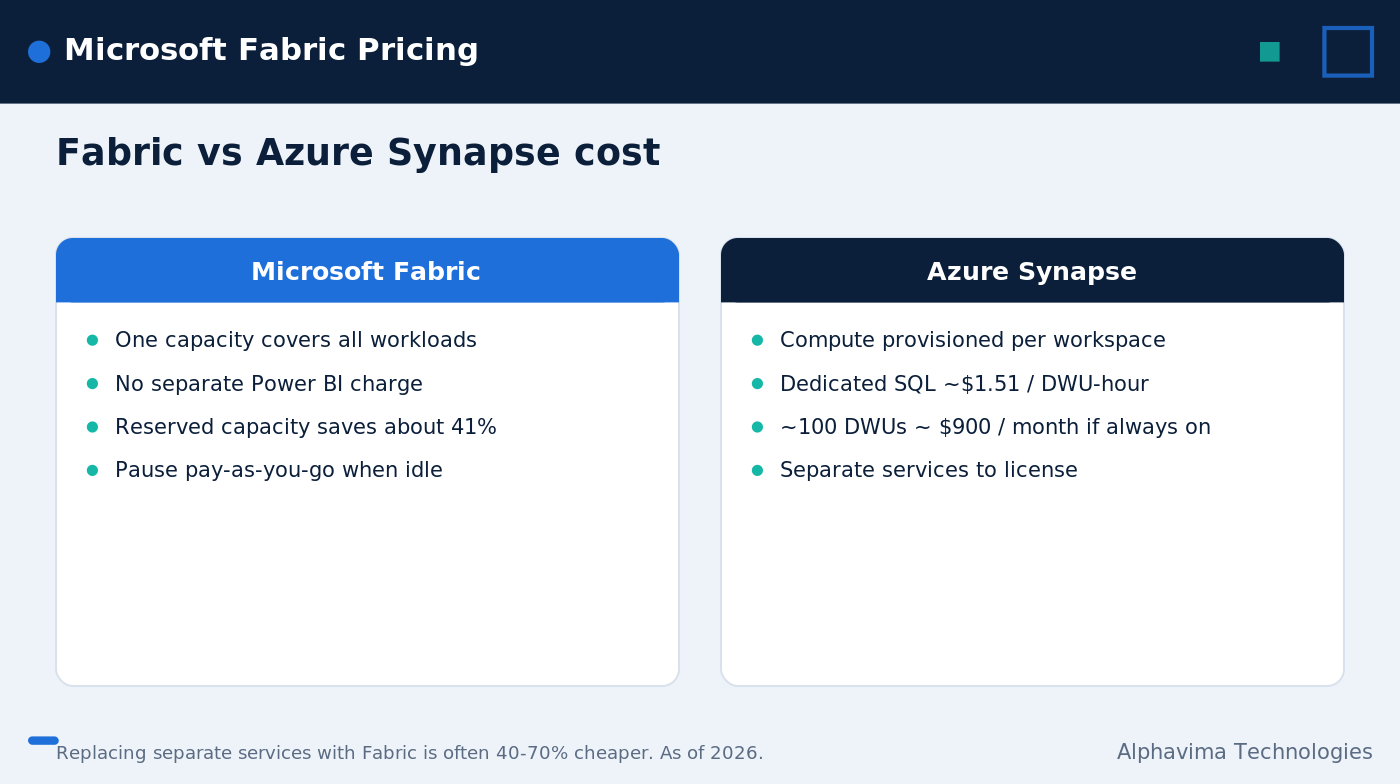
Azure Synapse is a PaaS service that provisions compute per workspace. A Synapse Dedicated SQL Pool bills per DWU-hour at roughly $1.51 per DWU/hour. Run about 100 DWUs continuously and you land near $900/month for that one pool. Add a separate Data Lake, Data Factory, and Power BI Premium, and each of those carries its own cost. Our primer on the Azure Synapse data platform covers how those pieces fit together.

Fabric flips the model by sharing one capacity across all of those workloads. So instead of paying for four provisioned services, you pay for one pool that flexes between them. The comparison below is illustrative and approximate, as of 2026.

For organizations replacing the separate-service stack, Fabric often runs 40–70% cheaper. The 1,000-user example above shows the spread: a stack that might cost $9,000–$17,000/month on separate services can land near $5,000–$6,000/month on Fabric. The savings come from consolidation, not magic, and the actual number depends on your mix.

ScenarioAzure Synapse StackMicrosoft Fabric
Compute modelPer-workspace, per DWU-hourOne shared capacity (CUs)
Single SQL pool (~100 DWUs, always on)~$900/monthDrawn from one capacity
Separate services neededSynapse + Data Lake + Data Factory + Power BI PremiumAll included in one capacity
1,000-user org (typical range)~$9,000–$17,000/month~$5,000–$6,000/month

How to Size Fabric Capacity and Save

Sizing is where most of the savings – or overspend – actually happens. Because Fabric pricing scales by SKU, picking the right tier and the right billing model is the whole game. A few practical moves help:

  • Start lower and watch the metrics. Begin on a smaller SKU, then read the capacity metrics app to see where you hit throttling before you move up.
  • Pause idle pay-as-you-go capacity. If a workload only runs business hours, pausing nights and weekends can cut a bill sharply.
  • Reserve only the steady baseline. Commit reserved capacity for the load you run continuously, and keep bursty extras on pay-as-you-go.
  • Cross the F64 line on purpose. If you have a large report audience, the Power BI Premium-equivalent features at F64 may cost less than buying many Pro seats.
  • Budget OneLake storage separately. Storage grows quietly; track it as its own line, since it is billed per GB on top of compute.

Honest caveats apply. Real cost depends on workload concurrency, storage volume, and how long capacity runs, and capacity smoothing and bursting shift throughput in ways that are hard to predict on paper. For a wider view of where the platform is headed, see our look at the future of data analytics with Microsoft Fabric.

Trying to size your Microsoft Fabric capacity?

Alphavima right-sizes your SKU and controls cost, so you pay for the capacity you actually need.

Conclusion

Microsoft Fabric pricing rewards the teams that size it deliberately. The single-capacity model can cut cost sharply against a stack of separate services, but only when the SKU, the billing model, and the F64 licensing line are matched to how you really work. Get those three right and the savings are concrete; get them wrong and a small SKU can quietly cost more than a larger one.

That is the part worth getting help with. Alphavima sizes Fabric capacity, models pay-as-you-go versus reserved, and sets up the pause and monitoring habits that keep the bill predictable. To plan a right-sized rollout, explore our Microsoft Fabric services, and review Microsoft’s own Fabric overview for the platform fundamentals. Reach out and we will build a cost model around your actual workloads.

FAQs

How does Microsoft Fabric pricing actually work?

Fabric bills on a single pool of Capacity Units (CUs). One capacity covers every workload - data engineering, Data Factory, warehousing, real-time intelligence, data science, and Power BI - so it is one capacity-based subscription rather than a charge per engine. OneLake storage is billed separately, per GB.

What does an F64 capacity cost, and why does it matter?

As of 2026, an F64 capacity lists at about $5,257/month on pay-as-you-go (64 CUs). F64 is the threshold where you get full Direct Lake mode and Power BI Premium capacity-equivalent features, so report viewers no longer each need a separate Power BI Pro license.

How much does reserved capacity save versus pay-as-you-go?

A 1-year reserved commitment saves about 41% compared with pay-as-you-go, as of 2026. The catch is that you cannot pause reserved capacity, whereas pay-as-you-go capacity can be paused when idle so you avoid charges during downtime.

Is Fabric cheaper than Azure Synapse?

It often is for teams replacing several separate services. A Synapse Dedicated SQL Pool bills around $1.51 per DWU/hour - roughly $900/month for 100 DWUs running continuously - and you still pay for Data Lake, Data Factory, and Power BI Premium on top. Fabric shares one capacity across all of those, which is why the Fabric vs Synapse cost gap can reach 40–70%.

What is the cheapest way to start with Fabric?

The F2 SKU, at about $262/month as of 2026, is the entry point for small or test workloads. Many teams start there or on a small pay-as-you-go capacity, pause it when idle, and scale the SKU up once metrics show real demand.

Are these Fabric prices fixed?

No. All figures here are approximate planning numbers as of 2026, and Microsoft updates SKU prices over time. Always confirm current rates on the Azure pricing page, and remember that your real cost depends on concurrency, storage volume, and how long capacity runs.

Does Fabric replace my Power BI licenses?

Partly. At F64 and above, the Power BI Premium-equivalent features mean viewers do not each need a Pro license. Below F64, individual Power BI Pro licenses still apply, so the SKU choice and your seat count should be planned together.

    Get in Touch