











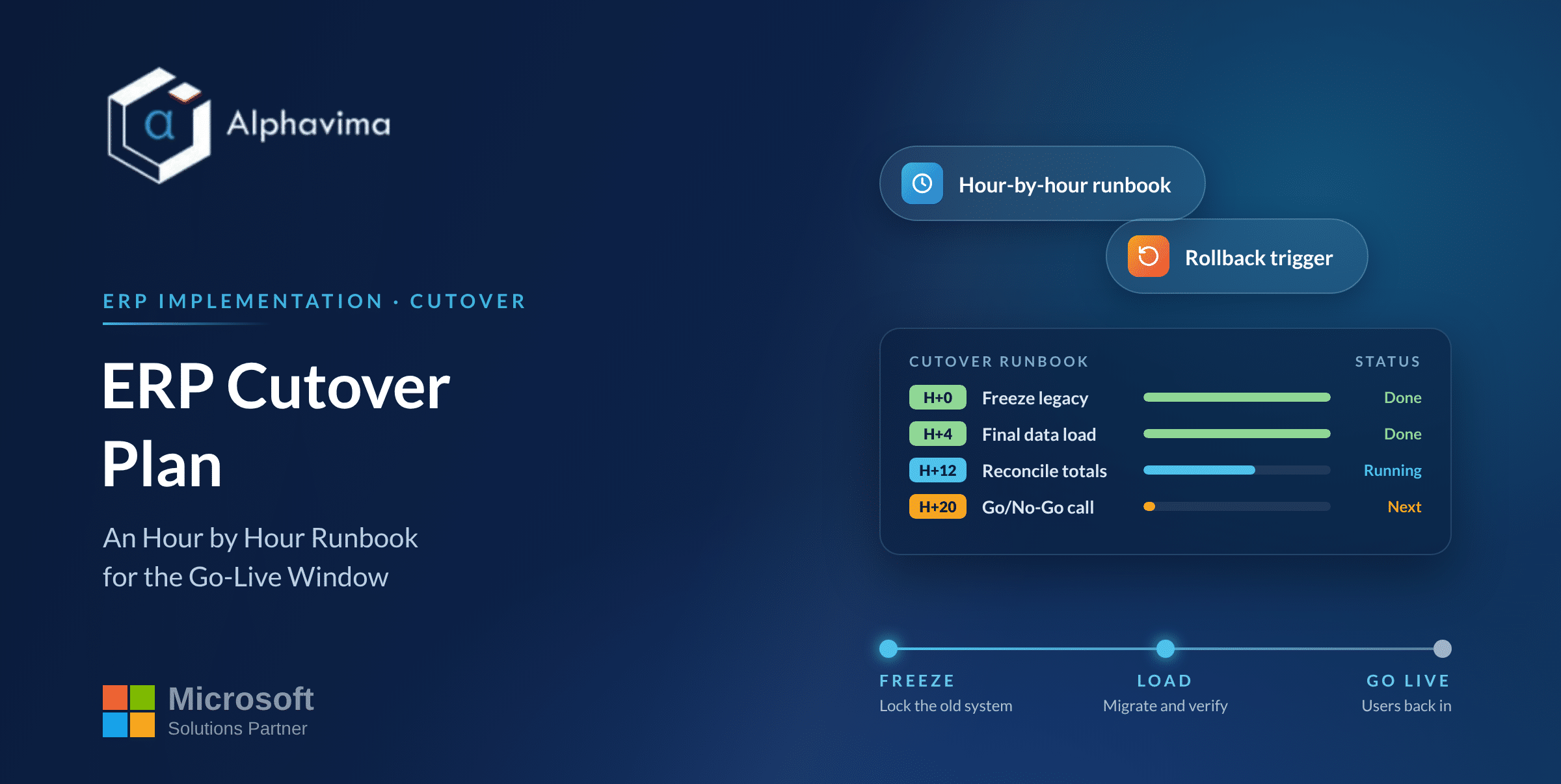
Your go-live date is on a slide. What you need is a document that tells a specific named person what to do at 02:15 on Saturday morning, how they will know it worked, and what happens if it did not.
That document is the cutover plan, and the gap between a slide and a runbook is where most go-lives go wrong.
Microsoft’s own guidance is blunt about the shape of the problem: during cutover you can use neither the old system nor the new one, and the window is usually less than 48 hours. Everything below is built around that constraint.
Table of contents
What a cutover plan actually contains
A cutover plan is not a project plan with the dates squashed together. It is an operational runbook with six things per line: sequence, timing, owner, dependency, verification and rollback. Miss any one of them and the plan fails at the worst moment.
- Sequence and timing. Absolute clock times, not durations. “Load customers, 90 minutes” is an estimate. “02:15 to 03:45, load customers” is a commitment somebody can be held to and measured against.
- Owner and backup owner. One name, not a team. The backup owner exists because people get ill, lose connectivity, or fall asleep at 04:00.
- Dependency. Which line must complete before this one starts. This is what lets you work out, at 03:00, whether a delay is absorbable or fatal.
- Verification. The specific check that proves the task worked. Not “confirm load complete” but “AR trial balance in new system equals legacy AR ageing total to the penny, evidenced by screenshot in the cutover channel”.
- Rollback. What you do if verification fails. For the first half of the plan this is usually “revert and retry”. After a certain line it becomes “we are going forward and fixing in flight”.
The runbook
This is a real structure you can copy. Times assume a Friday evening start and a Monday morning open, which is the most common shape for a UK or North American finance cutover.
| Time | Task | Owner | Depends on | Verification | Rollback |
|---|---|---|---|---|---|
| Fri 16:00 | Final customer invoices raised and posted in legacy | Finance lead | None | Invoice register closed, count recorded | None needed |
| Fri 17:00 | Final payment run executed and remittances issued | AP manager | Fri 16:00 | Bank file submitted, confirmation reference logged | Re-run in legacy |
| Fri 18:00 | Legacy system set to read only, all users logged off | IT operations | Fri 17:00 | Zero active sessions on session monitor | Re-enable write access |
| Fri 18:30 | Full legacy database backup taken and verified restorable | DBA | Fri 18:00 | Restore test to scratch instance completes | Halt cutover, escalate |
| Fri 19:00 | Final extract of master data and open items | Data lead | Fri 18:30 | Control totals file produced and signed | Re-extract |
| Fri 20:00 | Configuration package applied to production | Functional consultant | Production environment ready | Configuration comparison report shows nil variance against UAT | Restore production to pre-package state |
| Fri 21:30 | Master data load: customers, suppliers, items | Data lead | Fri 19:00, Fri 20:00 | Record counts match extract, zero staging errors | Clear staging, correct, reload |
| Sat 01:00 | Open transaction load: AR, AP, open orders | Data lead | Fri 21:30 | Aged AR and AP totals match legacy control totals | Reverse load, correct, reload |
| Sat 04:00 | Opening balance journal posted | Financial controller | Sat 01:00 | Trial balance equals legacy closing TB, balance sheet balances | Reverse journal |
| Sat 06:00 | Inventory quantity and value load | Supply chain lead | Fri 21:30 | Stock valuation report equals legacy closing valuation | Reverse, correct, reload |
| Sat 08:00 | Reconciliation pack produced and reviewed | Financial controller | Sat 04:00, Sat 06:00 | All control totals green, variances documented and accepted | Escalate to go/no-go |
| Sat 11:00 | Point of no return: go/no-go decision | Steering committee | Sat 08:00 | Signed decision record naming the decision maker | Last rollback opportunity |
| Sat 13:00 | Integrations enabled: bank, EDI, warehouse, e-commerce | Integration lead | Sat 11:00 | One test message each way per interface, error queue empty | Disable interface, queue messages |
| Sat 16:00 | Security roles assigned, user accounts activated | IT operations | Sat 11:00 | Spot check of five users per role against role matrix | Revoke and reassign |
| Sun 09:00 | Business validation: end to end smoke tests | Process owners | Sat 16:00 | Each of the defined critical scenarios completes and is signed | Log defect, assess severity |
| Sun 15:00 | Legacy system archived and access restricted to read only reporting | IT operations | Sun 09:00 | Access list confirmed, archive location documented | Restore reporting access |
| Sun 17:00 | Go-live communication issued to all users | Project manager | Sun 09:00 | Message sent, help desk staffed roster confirmed | Delay message |
| Mon 07:00 | Hypercare floor walkers in position, help desk open | Support lead | Sun 17:00 | Roster confirmed, all stations covered | Escalate resourcing |
| Mon 09:00 | First live transactions: one order, one invoice, one receipt | Process owners | Mon 07:00 | Each document posts and appears correctly in the ledger | Severity 1 incident process |
| Mon 17:00 | Day one close checks: interface queues, batch jobs, error logs | Support lead | Mon 09:00 | All queues clear, all scheduled jobs succeeded | Overnight fix window |
Note what the verification column is doing. Every line has a check that produces evidence, and the evidence goes somewhere. Run the whole cutover in one dedicated channel with one thread per runbook line, and you get an audit trail for free.
The point of no return, and how to know you have passed it
Somewhere in the middle of your runbook is a line after which going back costs more than going forward. It is not the moment you load data. It is the moment the business starts creating transactions that exist only in the new system and cannot be recreated in the old one.
In the runbook above the formal gate is Saturday 11:00, but the real irreversibility arrives later: once integrations are live and the bank has accepted a payment file generated by the new system, or once a warehouse has picked against new system stock, rollback stops being a technical operation and becomes a reconciliation project.
Three practical rules:
- Name the line. Print the runbook, draw a red line across it, and make sure everyone in the room knows which side of it they are on. If people cannot point to it, you do not have a point of no return, you have a hope.
- Make the decision a decision. At the gate, someone with authority says yes or no, and that is recorded with their name against it. Not a consensus murmur at 11:04 while people pack up their laptops. Set the go and no-go criteria in advance so the meeting is an evaluation rather than a negotiation. That is what a go-live readiness assessment is for, and it should be complete days beforehand, not improvised at the gate.
- Keep the rollback real until the line. A rollback plan that has never been tested is a paragraph, not a plan. Rehearse at least the restore step. National Institute of Standards and Technology guidance on contingency planning in SP 800-34 Revision 1 makes the point that recovery procedures have to be exercised rather than documented and filed, and that applies just as much to a cutover fallback as to a disaster recovery plan.
After the line, the honest language changes. You are no longer deciding whether to go live. You are deciding which defects you will fix before Monday and which you will live with, and both answers are legitimate.
The communications plan
Cutover communications fail in a specific and predictable way: the project team talks constantly to itself and almost never to anyone else. By Sunday afternoon three hundred people have no idea whether they have a system on Monday.
Build the comms plan as a small matrix with four audiences and fixed trigger points.
| Audience | What they need | When | Channel |
|---|---|---|---|
| Cutover team | Task status, blockers, decisions | Every runbook line, plus a standing check in every four hours | Dedicated channel, one thread per line |
| Steering committee | Are we on schedule, are we going ahead | Start, midpoint, the go/no-go gate, completion | Short written update, no slides |
| All staff | When the old system stops, when the new one starts, what to do on Monday | Two weeks before, day before, immediately after go/no-go, Monday morning | Email plus manager cascade |
| Customers, suppliers, banks | Any change to invoice format, remittance, portal access, ordering | Two weeks before, and on the day if anything slips | Account managers, direct contact for the top twenty |
Draft the difficult messages in advance. You should have a pre-written “we have delayed go-live by 24 hours” message sitting in a folder. Writing it at 10:40 on Saturday, exhausted, is how projects generate the sentence everyone quotes back at them for two years.
The wider point is that cutover is a change event, not a technical event. The Project Management Institute’s Managing Change in Organizations: A Practice Guide reports that only around 20 per cent of organisations have adopted a formal organisational change management practice, which is roughly the proportion of go-lives where the people side is planned with the same rigour as the data load.
If you want a sense of how much is riding on this, Gartner predicts that by 2027 more than 70 per cent of recently implemented ERP initiatives will fail to fully meet their original business goals, and the failure is far more often about adoption than about code.
Is your cutover plan a runbook or a slide?
Alphavima will review your cutover plan line by line, add the verification and rollback columns that are usually missing, and run a timed mock cutover with your team. Book a cutover review and find the gaps while there is still time to close them.
Big bang or phased: an honest comparison
There is no universally correct answer and anyone who tells you otherwise is selling their preferred delivery model.
| Dimension | Big bang | Phased |
|---|---|---|
| Cutover window | One intense window, usually under 48 hours | Several shorter windows over months |
| Parallel running cost | None. The old system stops | High. Two systems, temporary interfaces, duplicated effort |
| Reconciliation | One reconciliation, one opening balance | Repeated reconciliations, intercompany and interim positions |
| Risk profile | Concentrated. Everything is exposed on one weekend | Distributed, but the total exposure lasts longer |
| Rollback difficulty | Hard but clean. You either went back or you did not | Messy. Partial rollback across a live hybrid estate |
| Team fatigue | One brutal weekend | Sustained pressure over quarters, with a higher attrition risk |
| Best fit | Single entity, single country, shared chart of accounts, integrated processes | Multi entity, multi country, genuinely separable business units, staggered legal or statutory deadlines |
Two honest observations from delivery. First, phased is frequently chosen for risk reasons and then delivers more risk, because the temporary integrations built to hold the two worlds together become permanent, undocumented and fragile.
If you go phased, budget properly for throwaway interfaces and schedule their removal, which is part of the work covered in legacy system decommissioning.
Second, “phased by module” is usually a worse idea than “phased by entity”. Splitting finance from operations means the two halves of a single business process live in different systems for months. Splitting one subsidiary from another means each subsidiary runs a complete process in one place.
Rehearse the cutover, not just the data load
Run the full cutover in a test environment, timed, with the actual people who will do it on the night. This is the mock cutover, and it is the difference between a plan and a hypothesis.
You are measuring three things: does every task work, how long does each one really take, and does the team know what to do without asking.
Do it at least twice. The first rehearsal finds the broken steps. The second gives you the durations you will put in the runbook, and those durations should come from the stopwatch, not from the consultant’s optimism.
The same principle applies to the load timings covered in our Dynamics 365 data migration guide: rehearsed numbers or no numbers.
And do not treat the rehearsal as passed until the reconciliation pack has been produced from it. Loading data is the easy half. Proving the loaded data is right, to a controller who has to sign something, is the half that overruns.
The same discipline you applied during user acceptance testing applies here: a step is complete when someone with authority says it is, not when the progress bar finishes.
Frequently asked questions
How long should an ERP cutover window be?
Most cutovers are built around a window of less than 48 hours, typically Friday evening to Monday morning, because that is how long a business can stop transacting. If your rehearsed timings do not fit inside the window, the answer is to reduce scope, not to assume everything will run faster on the night.
What is the point of no return in an ERP cutover?
It is the moment when reverting to the legacy system costs more than going forward and fixing problems in the new one. Practically, it arrives when the business starts creating transactions that exist only in the new system, such as a payment file the bank has accepted or a warehouse pick against new system stock. Mark the line explicitly in the runbook.
Should we do a big bang or a phased ERP go-live?
Big bang suits a single entity with integrated processes and a shared chart of accounts. Phased suits genuinely separable business units, multiple countries or staggered statutory deadlines. Phased reduces the intensity of any one weekend but extends total exposure and forces you to build and later remove temporary interfaces.
What should be in an ERP cutover runbook?
Six columns per line: clock time, task, named owner, dependency, verification step and rollback action. If a line has no verification step you cannot prove it worked. If it has no rollback action you have no decision to make when it fails.
How many mock cutovers should we run?
At least two, timed, with the real team in the real sequence. The first finds broken steps. The second produces the durations that go into the final runbook. A rehearsal is not complete until the reconciliation pack has been produced from it.
Who makes the go or no-go decision at the cutover gate?
A named individual with the authority to stop, usually the executive sponsor, advised by the steering committee against criteria agreed in advance. The decision is recorded in writing with the name attached. Agreeing the criteria beforehand turns the gate meeting into an evaluation rather than an argument.
What happens if we miss a runbook milestone by two hours?
Check the dependency column. If the delayed task blocks nothing on the critical path, absorb it and note it. If it blocks the reconciliation or the gate, you either compress a later task that has slack or you invoke the delay communication you wrote in advance. Do not silently push everything two hours right and hope.